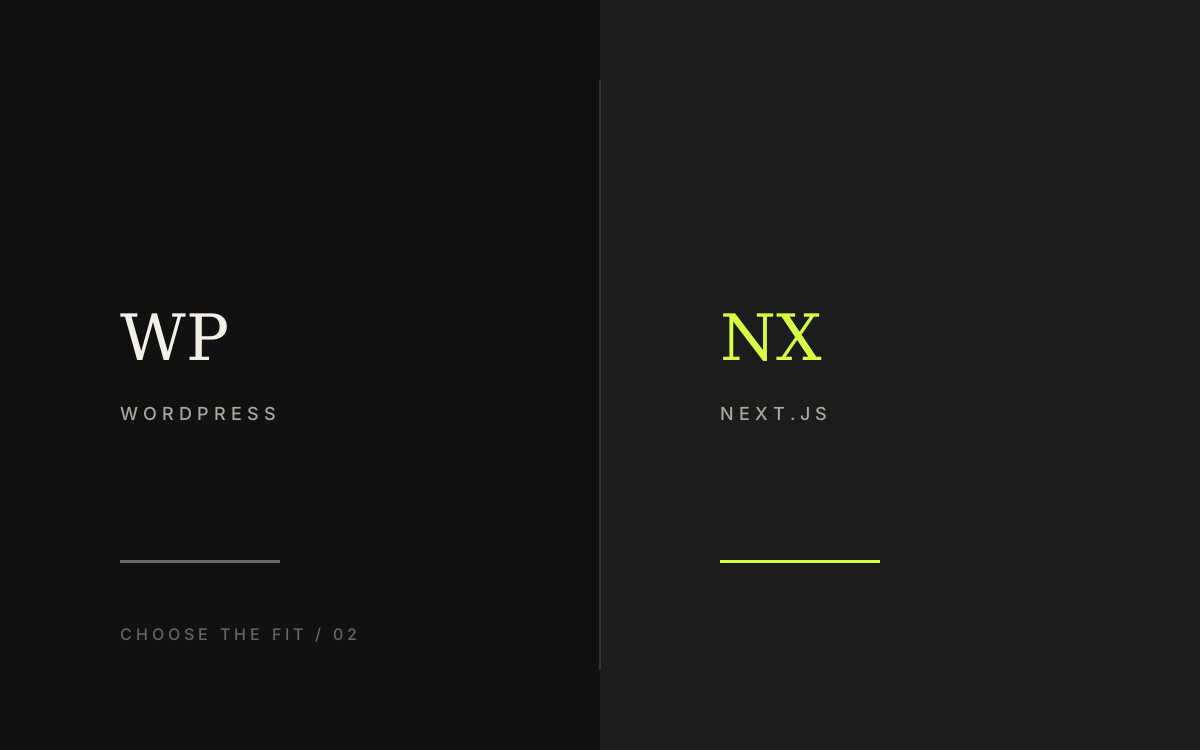
There is no universal winner between WordPress and Next.js. The better choice depends on how often the team edits content, what the site must integrate with, and who will maintain it after launch.
Quick summary
What you get from this article
- Ask who edits content most often; that answer settles more than half the decision.
- WordPress fits sites the team updates weekly with fairly standard requirements.
- Next.js fits sites that need high performance, custom data structures, or several integrations.
- Both can rank well with the right structure; the real difference is maintenance cost.
- The true cost of a website appears in years two and three, not in the build fee.
Start with who edits this site most often
This single question resolves most of the decision. If the marketing team adds promotions, changes prices, and publishes articles every week, a content system they can use immediately is worth more than a slightly higher performance score.
If content changes rarely and what matters is speed, interface flexibility, or integration with other systems, custom development returns more value.
Example cases (names withheld): a B2B services company whose marketing team updates weekly chose WordPress because they could edit pages themselves — developer wait time dropped from days to under an hour per change. A SaaS platform pulling from several APIs chose Next.js and mobile LCP improved from around 4 seconds to under 2.5 seconds.
Image slot prepared — artwork to follow
Image slot — comparison table of WordPress vs Next.js by maintainer, speed, and integrations
Where WordPress is the stronger choice
WordPress is strongest when the requirement matches patterns the industry has solved many times: company sites, publications, and reasonably simple product catalogues, because plugins and maintenance help are easy to find.
The risk to manage is plugin sprawl, which slows sites down and opens security holes. Install only what the site genuinely needs and keep a regular update routine rather than adding everything that looks useful.
When the team has no technical staff but must update content often, a well-configured WordPress site usually costs less than custom code that needs a ticket for every text change.
- The team can edit content without touching code
- Easy to find maintenance help at predictable cost
- Suits company sites, publications, and small to mid-size stores
- Requires discipline around plugin updates and backups
- Headless CMS on Next.js works when you need speed plus self-service editing
When WordPress is not the answer
WordPress stops being the right fit when the product needs a highly specific data model or an experience a theme cannot support without heavy modification.
- Several APIs or internal systems must connect in real time
- Screens and flows do not match any standard template
- Speed and code-level control are core competitive requirements
Image slot prepared — artwork to follow
Image slot — WordPress content editing flow from login to publish
Where Next.js is the stronger choice
Next.js suits sites that need full control over performance, data structure, and an experience that does not look like anyone else, because nothing is constrained by a theme or plugin model.
In exchange for that flexibility, content editing has to be planned from the start. Without that plan, the team ends up back in the original problem of calling a developer for every text change.
Signals that point this way
If any of these apply, custom development usually costs less than bending a ready-made theme.
- Performance is part of how you compete
- The data structure is specific and no standard theme supports it
- The site must connect to several APIs or internal systems
- There is a roadmap towards a web app or member area
Image slot prepared — artwork to follow
Image slot — checklist of signals for choosing Next.js or a custom stack
SEO and speed differ less than people assume
Both options rank well when page structure, headings, and structured data are handled properly. In practice, rankings are decided by content quality and site structure rather than the name of the technology.
Next.js starts with an advantage on performance because it offers finer control, but a well-configured WordPress site with few plugins on suitable hosting passes Core Web Vitals without much trouble.
Do not choose a platform because you expect SEO to improve on its own. If page structure and content still miss the search intent, a platform move alone rarely moves the needle.
Cost the decision through year three
The build fee is only part of the picture. What follows is hosting, maintenance, the cost of each content change, and the team's time spent waiting for those changes.
The most honest comparison is to estimate how many edits the site needs per month, multiply by the time or cost per edit, and add annual maintenance. That number often changes the answer people assumed at the start.
Image slot prepared — artwork to follow
Image slot — three-year website cost chart split by build, care, and content edits
If you migrate platforms, prepare these first
Moving from WordPress to custom code, or the reverse, happens regularly. The risk sits in URLs, content, and who maintains the site — not in exporting files.
Before migration, list pages with traffic and rankings, map 301 redirects one-to-one, and test forms and analytics on the new environment.
If you are rebuilding the whole site, read the website redesign checklist too — redirect and content audit principles apply to platform moves as well.
Image slot prepared — artwork to follow
Image slot — migration plan from old URLs to a new system with redirects
Preparation
Information to prepare before you start
- How often content changes and who makes those changes
- Features needed on day one versus later
- Other systems the site must connect to
- Acceptable annual maintenance budget
- Expansion plans over the next two to three years
Related services