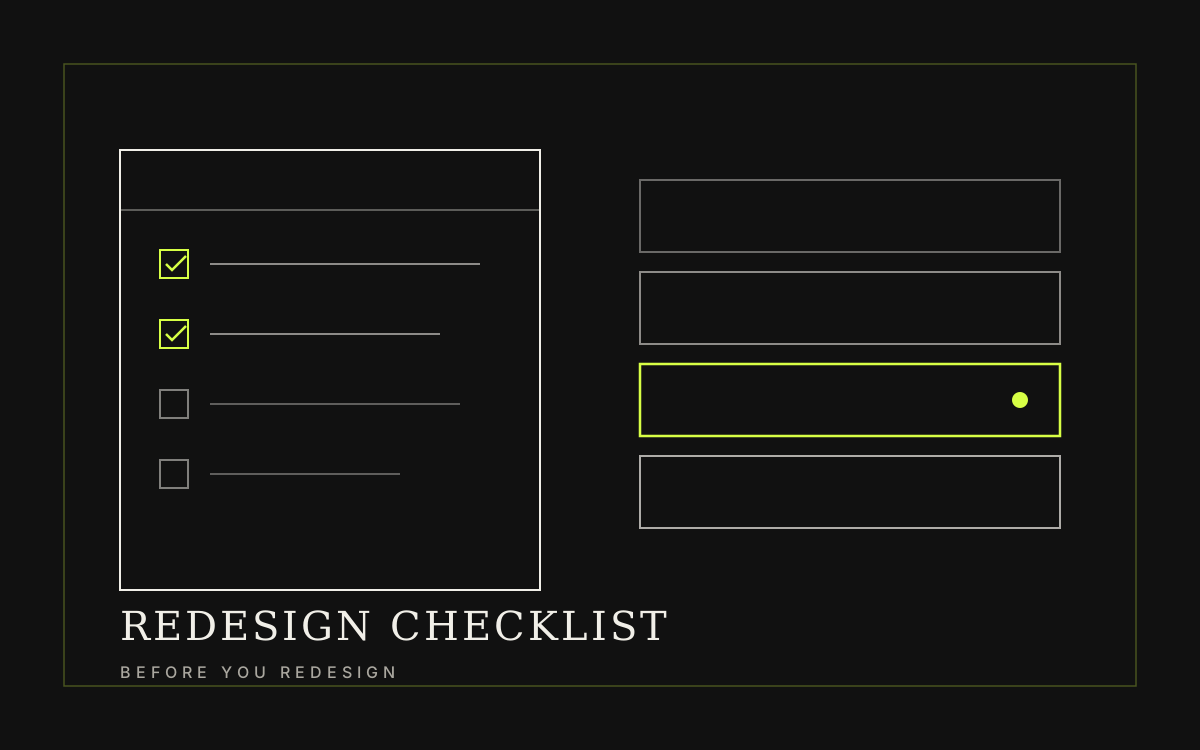
Before picking colours or reference sites, know where the current site loses leads and which pages already rank. This is the checklist we use before design—with cases you can measure.
Quick summary
What you get from this article
- State the reason as an observable problem—not a feeling that the site looks dated.
- Lock three to five indicators and their baselines before design begins.
- Sort every existing page into keep, improve, merge, or remove—nothing left undecided.
- Ranking pages need one-to-one 301 redirects before any URL change.
- Choose technology from who maintains the site—not from trends.
Answer why the website needs rebuilding first
A good reason is observable and easy to explain: customers still call for information already on the site, the team cannot update prices without a developer, key pages are slow on mobile, or traffic arrives daily but nobody submits the form.
If the only reason is that the site feels dated, design has no decision criteria. Revisions follow taste, and budget goes to changes that never move results.
Sample case: a B2B services firm (name withheld) had daily visitors but only a handful of forms each month. The blockers were hard-to-find services and an overly long form. After restructuring and cutting the form to five fields, usable leads rose about 2.4× in eight weeks—without a full rebrand.
Separate the problem into four layers
Symptoms that look the same often come from different layers. Separate them first so you know whether the fix is content, structure, interface, or the underlying system.
- Content — incomplete, outdated, or missing answers to common questions
- Structure — people cannot find the page, or the menu does not match real services
- Experience — hard to read, hard to tap on mobile, forms longer than needed
- Technology — slow, cannot edit in-house, insecure, or cannot connect to other systems
Image slot prepared — artwork to follow
Image slot — four problem layers a website redesign should address
Signals that a full rebuild is justified
When problems sit mainly in content or experience, targeted fixes usually pay off better.
A full rebuild is worth it when these three appear together:
- Information structure was wrong from the start—new pages cannot be added cleanly
- The platform can no longer receive security updates
- Even small copy edits require outside help every time
Turn business goals into measurable indicators
Goals like “look more credible” or “get more customers” are too broad to design against. Translate them into countable behaviour: enquiries that include a budget, the share who finish a service page, or the time to update one product.
Pick only three to five indicators that match the site’s real job, then record today’s values before work starts. Without a baseline, nobody can settle whether the new site performs better.
No detailed numbers yet? Start with three: monthly forms, start-to-submit completion rate, and the main queries you already rank for. Rough baselines beat none.
- Volume and quality of monthly leads
- Form completion rate versus people who start the form
- Mobile speed on key pages (Core Web Vitals)
- Ranking queries and the pages receiving that traffic
- Time the team spends editing without a developer
Image slot prepared — artwork to follow
Real photo of a before-and-after metrics dashboard for a website redesign, including leads, form completion, and search traffic
Audit existing content before deciding what to keep
Before designing new pages, export every URL with three facts: twelve months of traffic, the queries that brought people in, and the job that page does in the buying decision.
Silently losing content during a rebuild is the most common cause of ranking drops—teams chase the new look and forget which old pages carried traffic.
A common failure: deleting ranked pages without redirects. Search traffic fell about 40% in month one even though the new copy was better. Recovery took weeks, and some pages never fully returned.
Sort content into four groups
Every page must land in one group—nothing left undecided—so writing scope is clear from day one.
- Keep — still accurate and performing; move across as-is
- Improve — right direction, but needs updated facts, examples, or clearer writing
- Merge — thin pages competing on the same topic become one strong page
- Remove — outdated, unvisited, and unused in the sales conversation
Image slot prepared — artwork to follow
Real photo of a content-sort board or spreadsheet: keep, improve, merge, and remove
Ranking pages need the most care
Pages that already rank are assets built over years. Do not change their URLs without a reason.
When a change is unavoidable, map every old address to its closest new page with a one-to-one 301—never send everything to the homepage.
Choose scope and technology from real constraints
The question before choosing a platform is not “what is most modern?”—it is who will maintain this site in two years.
A non-technical team that edits weekly needs a system they can actually use more than a small speed gain.
Complex data, many APIs, or a performance race usually favour custom development over forcing an off-the-shelf theme.
Choose from trends without looking at who maintains the site, and launch day looks polished—then in year two the team cannot edit a sentence without paying again.
Image slot prepared — artwork to follow
Image slot — technology choice comparison diagram
Sequence the work and plan a launch that protects rankings
The sequence that keeps budget in check: brief → information structure → wireframes → design → build → test. Fixing structure after design is finished is where cost rises fastest.
Prepare the final checks and name who owns the site after launch. The first two weeks reveal most of the real issues.
- A 301 redirect map from every old URL to its closest new page
- Title, meta description, and heading review on every page before going live
- Submit the new sitemap in Google Search Console and watch index coverage
- Test forms and notification emails once with real data
- Install analytics before launch, not after
Image slot prepared — artwork to follow
Real photo of a 301 redirect spreadsheet from old URLs to new pages, or a pre-launch checklist
Preparation
Information to prepare before you start
- Business goals for the website over the next 6–12 months
- Primary customer groups and the questions they ask before deciding
- Existing pages with 12 months of traffic and query data
- Constraints of the current platform, the maintaining team, and the budget
- Baseline values for every indicator before work begins
Related services