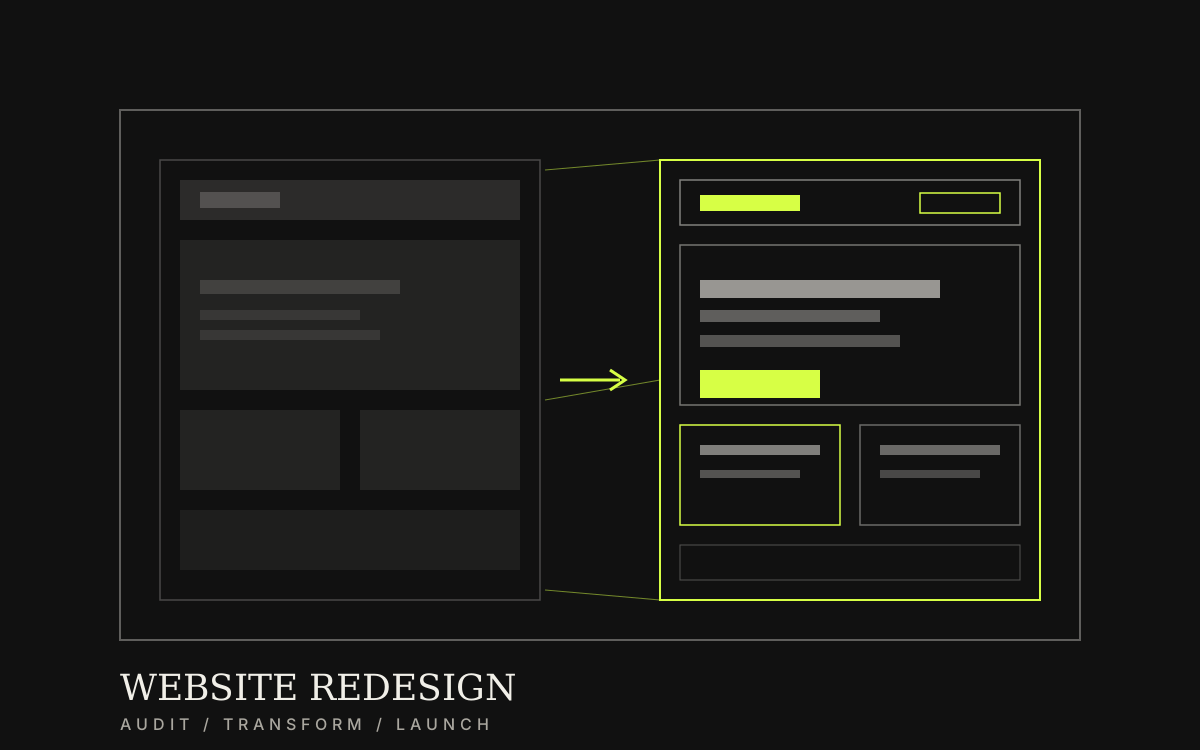
Audit the current site, diagnose issues, rebuild structure, develop, and plan redirects—so usability improves and legacy links stay intact.
Category / Web DevelopmentEstimated timeline / 6–10 weeksBudget / Quoted after we review the current site
Scroll to continueEN / 2026
Many teams know the site is hard to use but fear losing traffic. Case examples from clinics and online stores show that redesigns starting with problem audits and redirect plans preserve both links and the new experience.
A strong fit when
This service fits when
Sites that are slow, hard to navigate, or weak on mobile
Businesses that still rely on existing traffic or inbound links
Teams that want a new structure without taking the live site offline mid-build
Expected outcomes
What the work should make clearer
Key pages work better on mobile—forms and menus complete correctly
High-traffic legacy URLs redirect to new pages, no broken links
The team knows what changed and can measure results clearly
Quick summary
What you get when you hire this service
05
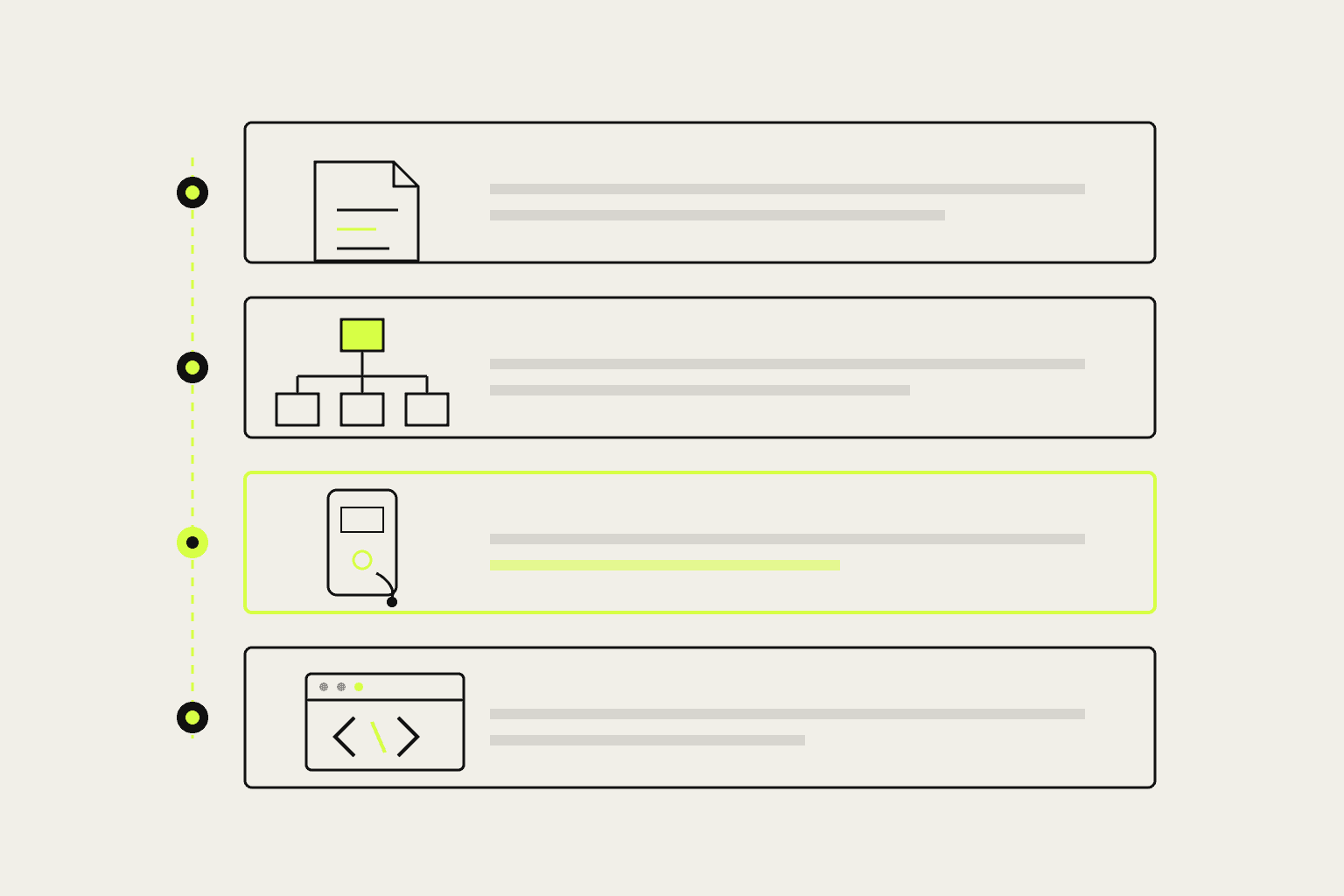
01Problem report for the current site with fix priorities
02New page structure matched to real services and customer questions
03Responsive redesign and build for key pages
04Content migration with a redirect table for primary URLs
05Pre-cutover verification and measurement points after launch
From clients
What people who worked with us notice
“The redesign kept product traffic because redirects were planned. Web orders rose and price chats fell.”
“Mobile reading improved after the restructure. Patients understand services before visiting, and web bookings rose.”
Related work
Example work clients can review
Swipe through cases close to your brief. Each one focuses on a measurable outcome—not looks alone.
It pays off when the problem is structure, mobile use, or content editing—not only outdated colours.
If you only need small bugfixes or banner swaps, monthly care or a single fix may be enough.
Fictional online-store scenario: category pages are scattered and customers ask about pricing and stock in chat daily. The redesign direction reorganises categories, preserves important URLs with redirects, and answers product questions before chat.
Fictional clinic scenario: service pages are long and hard to read on mobile. The redesign direction restructures them with 301 redirects, then measures real web bookings after launch.
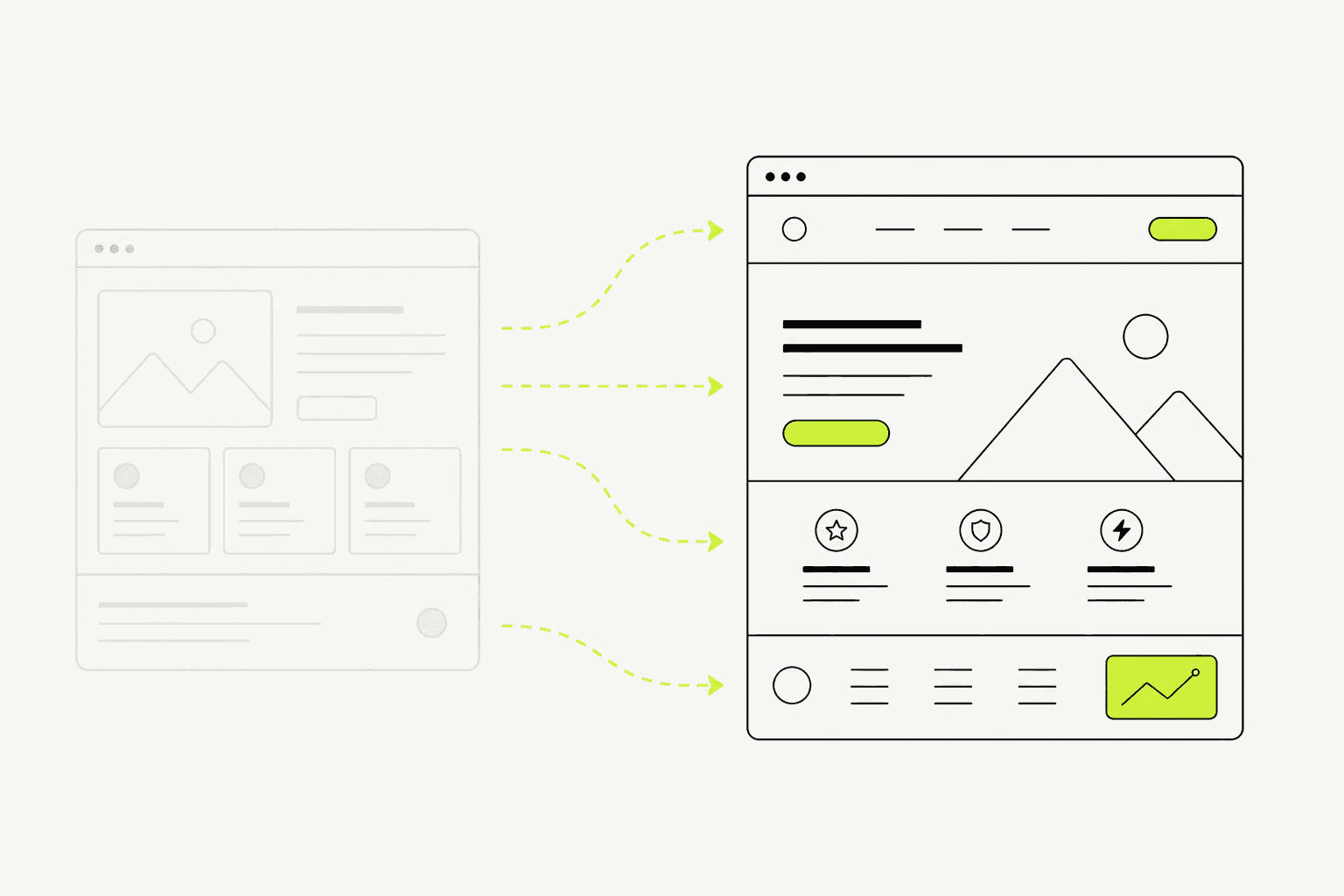
Before: navigation hard to follow, mobile forms broken, legacy URLs still get traffic
After: cleaner structure, legacy links redirect to new URLs, traffic preserved
Lesson: URL and redirect planning must happen before cutover—otherwise both rankings and existing users suffer
02
What to clear before redesigning
Before design files, list pages to keep, merge, or drop—and which URLs need redirects.
Pretty redesigns without a link-migration plan often lose traffic at cutover.
01
What to lock before redesign starts
These keep a redesign from becoming an unplanned rebuild.
Primary problems the new site must fix
New page list and pages to retire
Important URLs and redirect plan
Content to migrate versus rewrite
Approvers and post-launch owners
A clear redirect plan before development reduces traffic loss at launch.
03
What we actually deliver
A redesign is worth it when the new site works on mobile and primary legacy links stay intact—not when only the look changes on the same domain.
We audit the current site, set the new structure, design and build, migrate content, implement key redirects, and check before cutover.
Audit of problems and opportunities on the current site
UX/UI redesign on the new structure
Development and scoped content migration
Redirects for key pages and pre-launch verification
Build separately, then switch once redirects and key pages pass checks.04
Work order—and what breaks at cutover
A lower-risk order is audit → structure and redirects → design → build/migrate → test → switch.
At launch, common failures are missing redirects, new forms that never send, and a team that does not know where to edit.
01
How we work
The live site can stay up while the new one is built.
Audit the current site and lock redesign goals
Define new structure and URL plan
Design, build, and migrate content
Test, switch, and watch the first period
02
Checks before cutover
This short list reduces launch-day traffic loss.
Key redirects match the plan
Forms and contact points work on mobile
Home and navigation load correctly
Basic measurement or search checks are ready after launch
Preparation
Information to prepare before you start
05
01Primary problems you want the new site to fix
02Current pages and which ones must remain
03Access to the live site, Analytics, or Search Console (if available)
04Content and files that must migrate
05Approvers for the new structure and owners after launch