Build themes and blocks from real page structure—so marketing or business owners can edit content without waiting for a developer every time, with hardening and backup guidance that actually works.
Category / Web DevelopmentEstimated timeline / 4–10 weeksBudget / Quoted after we review the WordPress brief
Scroll to continueEN / 2026
Many WordPress sites are slow or hard to edit because demos and plugins were stacked without a real editing model. Strong WordPress work starts from pages you update often and from security—not from a pretty theme demo.
A strong fit when
This service fits when
Businesses that need frequent content updates by their own team
Sites moving from another system into WordPress
Organisations that want a theme matched to design—not a bloated demo template
Expected outcomes
What the work should make clearer
The team can edit key pages and blocks after training—without waiting on developers every time
The site is leaner and stronger after cutting unused plugins and demo weight
Basic update, backup, and hardening practices are in place and the team can follow them
Quick summary
What you get when you hire this service
05
01A custom theme matched to agreed structure and design
02Blocks or edit points the team will actually use
03Content migration when it is in scope
04Baseline security, backup, and performance setup
05Short training and an update guide
From clients
What people who worked with us notice
“Marketing edits promo pages the same day—no developer queue for every campaign.”
When to choose WordPress—and why your team can edit content
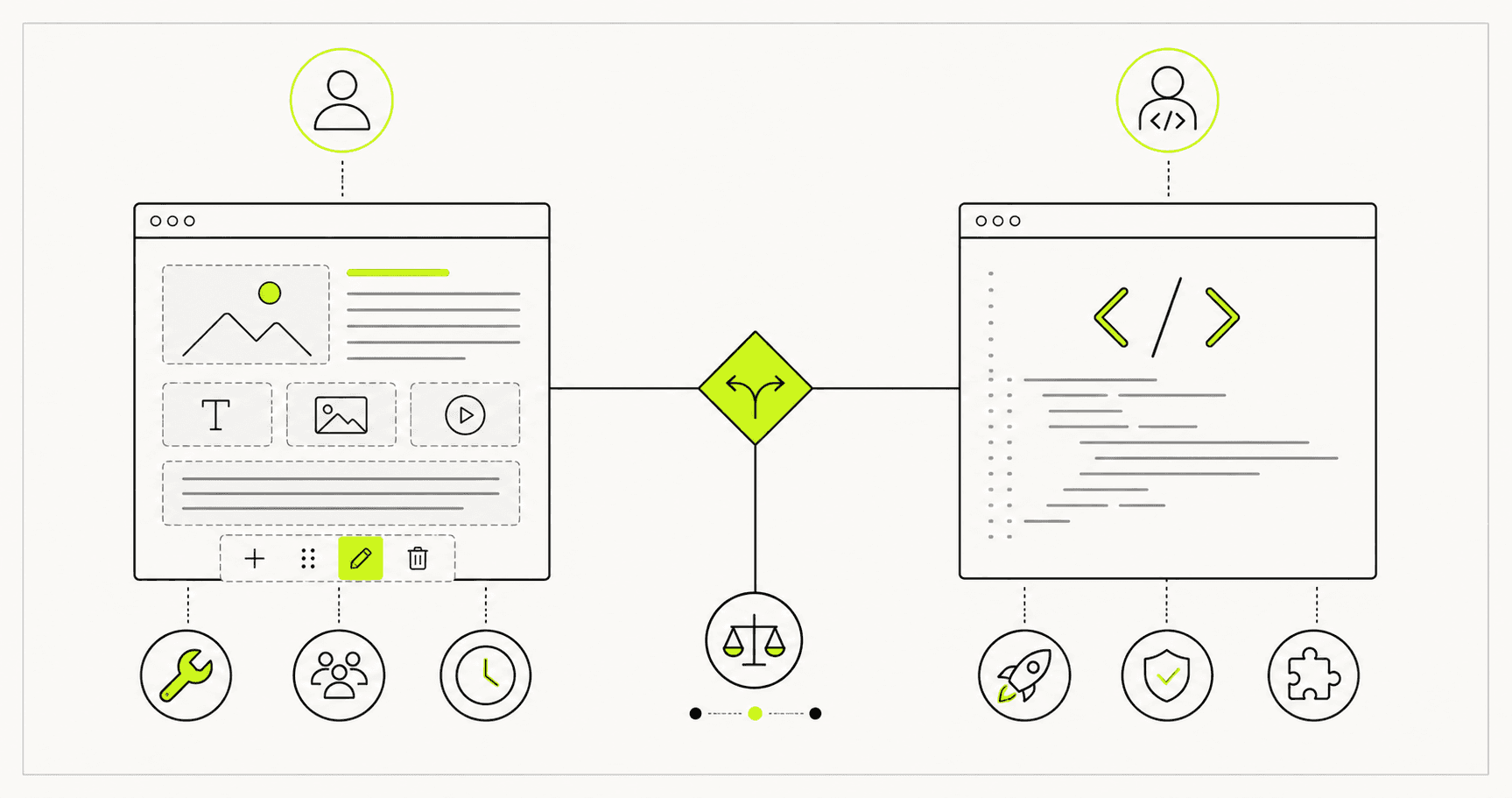
WordPress fits when the team must edit content often and wants control of pages within a clear scope. If you need complex multi-role systems or a product-like app first, a web app or Next.js path may fit better.
When to choose WordPress—and why your team can edit content
WordPress fits when the team must edit content often and wants control of pages within a clear scope. If you need complex multi-role systems or a product-like app first, a web app or Next.js path may fit better.
Sample case: a professional-services firm (name withheld under NDA) had a legacy site the marketing team could not edit—every change required an email to IT. Service pages often stayed outdated for months.
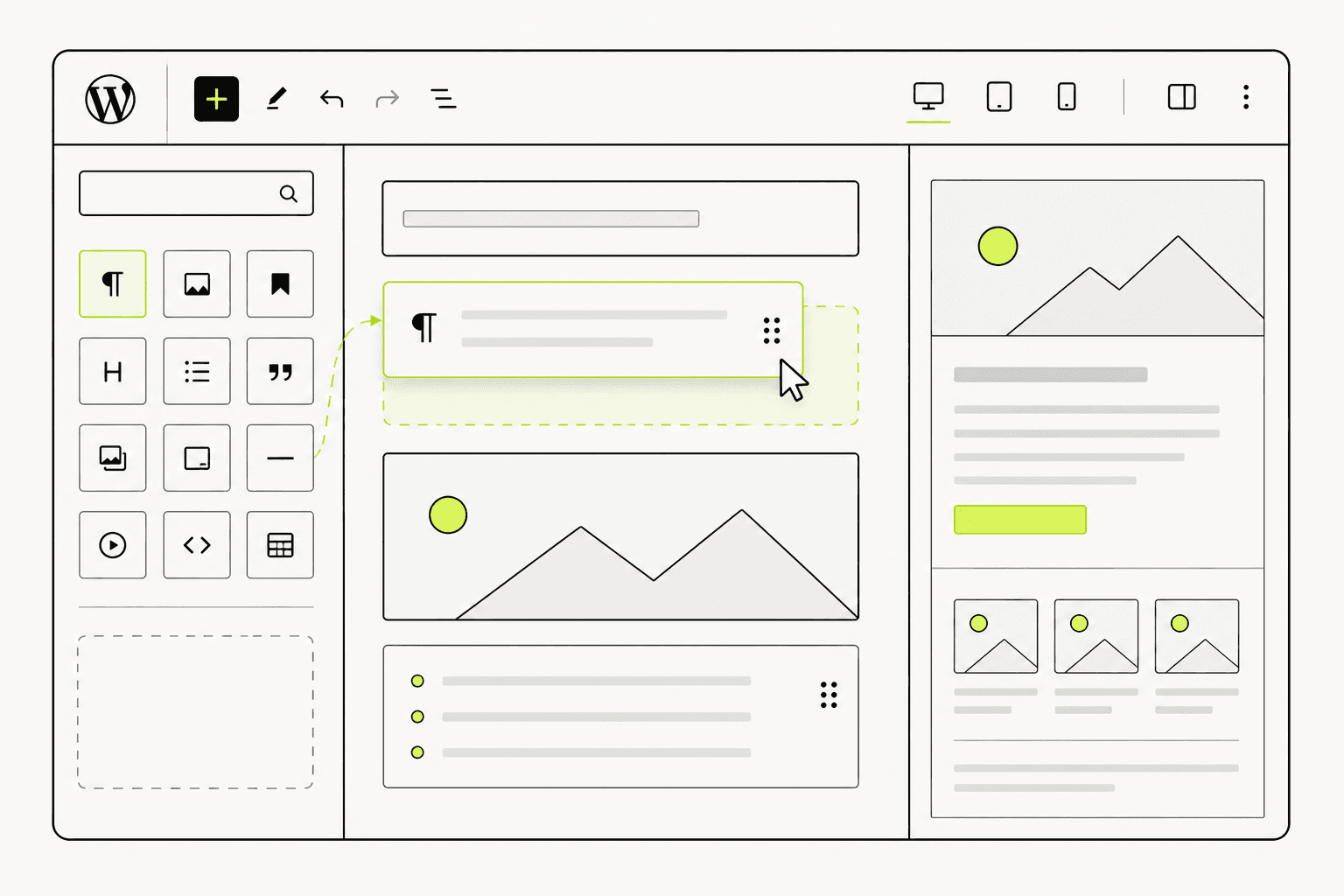
After redesigning WordPress with custom blocks matched to pages that update often, marketing edited service pages themselves within a day without waiting on IT. The update queue dropped by more than half, and the sales team started confidently sharing service-page links with prospects.
Before: marketing could not edit, every change waited on IT, pages stale for months
After: custom blocks that match real edit points, team updates same-day, queue halved
Lesson: build themes and blocks from pages the team actually edits—not a pretty demo
02
What to clear before themes or plugins
Before installing anything, list pages, edit points, and plugins that are truly required.
Starting from a feature-heavy demo theme usually creates a slow site with edit controls nobody can find.
01
What to lock before build
These keep WordPress from bloating.
Page list and content types
Blocks or fields the team must edit
Necessary plugins (forms, backup, etc.)
Migration plan and legacy URLs (if any)
Who owns updates after handover
Locking edit points before theme work helps the team continue without developers for every change.
03
What we actually deliver
WordPress worth shipping matches real pages, lets the team edit key content, and stays free of unused demo weight.
We build a custom theme and edit blocks, set required plugins, migrate content when agreed, apply baseline hardening, and run short training before handover.
Example: marketing updated a service page the same day after block editing replaced waiting on code changes for every tweak.
Custom theme development from design
Practical content edit points
Content migration and necessary plugin setup
Hardening, backup guidance, and team training
Edit points should match pages the team updates—not unused theme options.04
Work order—and what breaks at launch
A budget-safe order is structure and edit points → theme/blocks → migration → hardening → training → launch.
At launch, common failures are plugin conflicts, forms that never send, missing backups, and a team afraid to edit without a guide.
01
How we work
Content and permission checks happen before go-live.