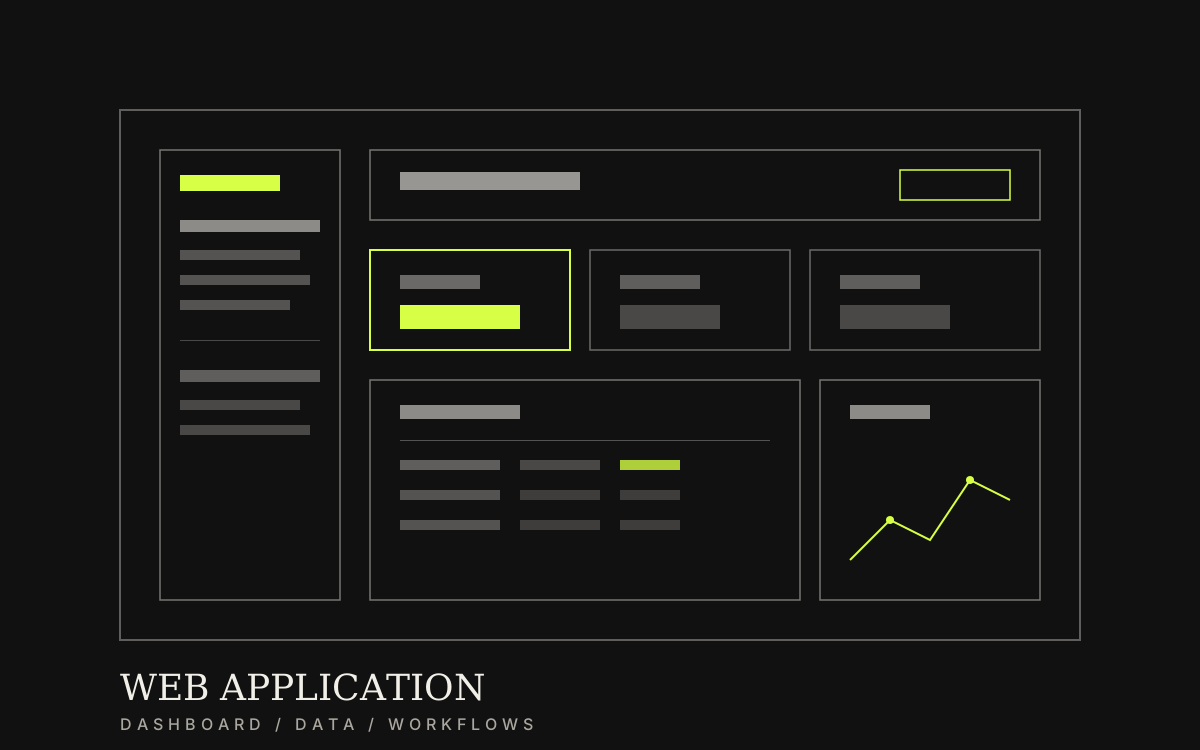
A web app built around how your business actually works
Lock roles and workflows first, then build a system the team can reuse every day—with clear permissions and a test plan before go-live.
Category / Web DevelopmentEstimated timeline / 8–16 weeksBudget / Quoted after we review flows and roles
Scroll to continueEN / 2026
Many projects start from a long feature list before anyone can say who does what or how data moves. A case from an insurance company shows that a system built from flows and permissions actually reduced status-inquiry calls.
A strong fit when
This service fits when
Businesses replacing chat-and-spreadsheet work with a real system
Teams with multiple roles that need clear permissions
Organisations that need an MVP for an internal tool or early platform
Expected outcomes
What the work should make clearer
Fewer status-inquiry calls—customers and staff can check data themselves
Roles and permissions are clear, data no longer mixed between users
The team starts new tasks on the system without waiting on developers
Quick summary
What you get when you hire this service
05
01Brief, roles, and core workflows locked before heavy build
02Screens and back office aligned to real work—not feature bloat
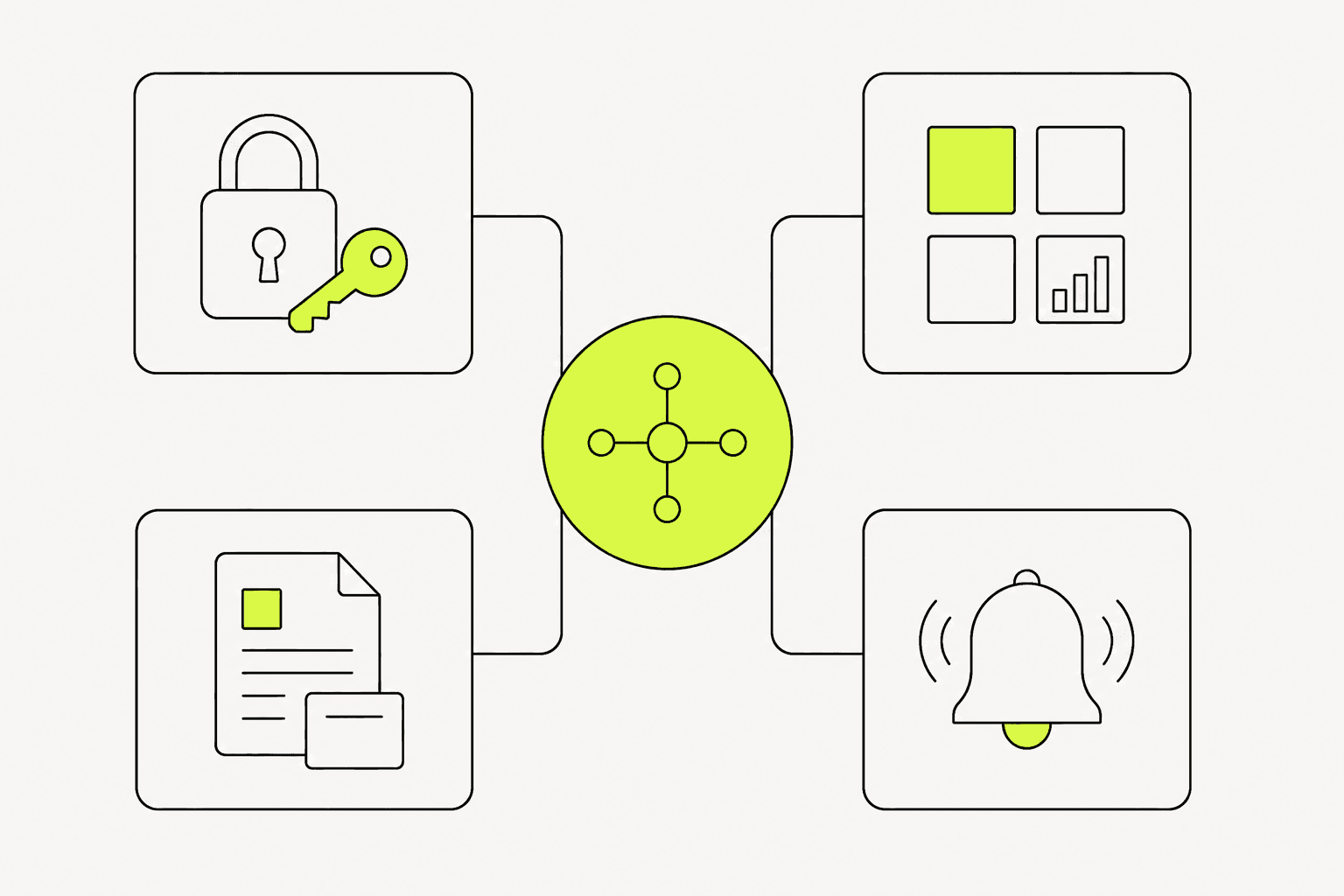
03Auth, permissions, and basic data handling
04Critical-path testing before go-live
05Short documentation and a handover the team can maintain
From clients
What people who worked with us notice
“Claim-status calls dropped because members check the web app themselves. Repeat service cases fell in the first 90 days.”
“Sales and member zones are finally separate. Sales has package pages to reference, and most new claims start on the web.”
Related work
Example work clients can review
Swipe through cases close to your brief. Each one focuses on a measurable outcome—not looks alone.
Choose a web app when work is repeated, roles differ, or spreadsheets and chat cannot keep up.
If you only need to explain services and collect enquiries, a corporate site or landing page may be enough.
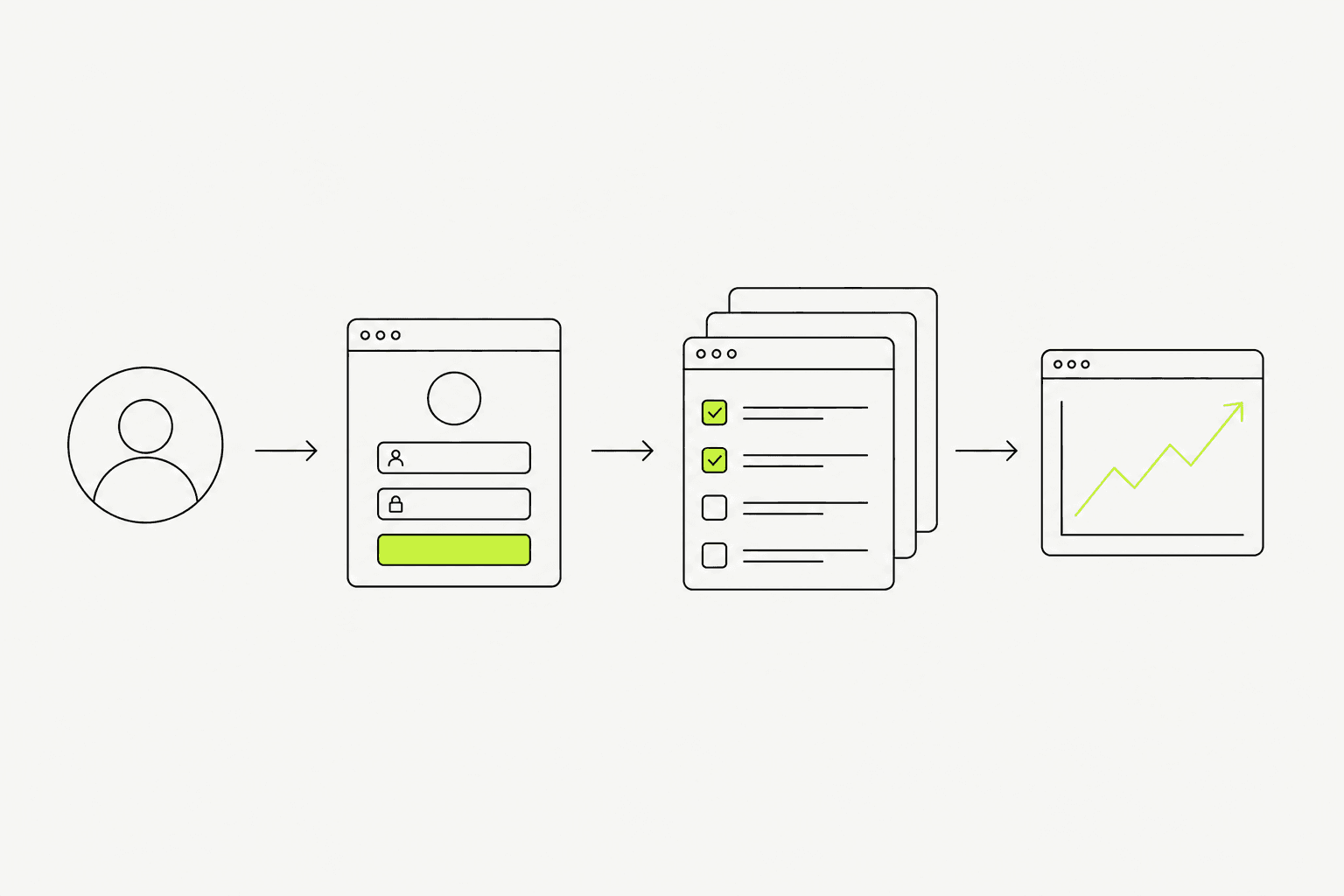
Fictional insurance web-app scenario: customers repeatedly call for claim status and policy details. The demo direction should let members check coverage, file a claim, upload documents, and follow status themselves.
Before: support handled repeated status calls, data scattered across channels
After: customers check and start tasks themselves; staff handle only cases that truly need a human
Lesson: lock roles and flows before picking a framework—otherwise you end up with complete screens but no complete workflows
02
What to clear before drawing screens
Before UI, lock roles, primary flows, and the data that must be stored.
Adding screens without permissions usually forces a rebuild near launch.
01
Definitions you usually need first
You do not need every feature on day one—but the core must be clear.
User roles and what each role can do
One to three primary workflows used most often
Data that can be created, read, updated, and deleted
Alerts or statuses the team must see
MVP scope versus what waits for a later phase
Locking roles and flows before UI reduces late system rewrites.
03
What we actually deliver
A worthwhile web app is something the team reuses—not only a screen prototype.
Delivery includes discovery, flow design, agreed build, critical-path tests, and a basic handover.
Requirements analysis and MVP system design
Backend/frontend build inside the locked scope
Basic permissions and access setup
Critical-path testing and short handover notes
Screens should reflect real workflows—not menus without owners.04
Work order—and what breaks at launch
A budget-safe order is brief and roles → flows/data → design → iterative build → test → launch.
At launch, common failures are permission leaks, duplicate data, no recovery path, and no owner for issues after go-live.
01
How we work
Short cycles with something usable to review along the way.
Lock MVP and what is deferred
Design primary flows and screens
Build and test in iterations
Train the team and launch with a feedback channel
02
Pre-launch checks
This short list reduces day-one production pain.
Each role’s permissions are correct
Primary flows complete without dead ends
Backup or recovery matches what was agreed
There is a channel to report issues after launch
Preparation
Information to prepare before you start
05
01The business problem the first release must solve
02Draft roles and permissions
03The workflows used most often
04Sample data or current files used to do the work today