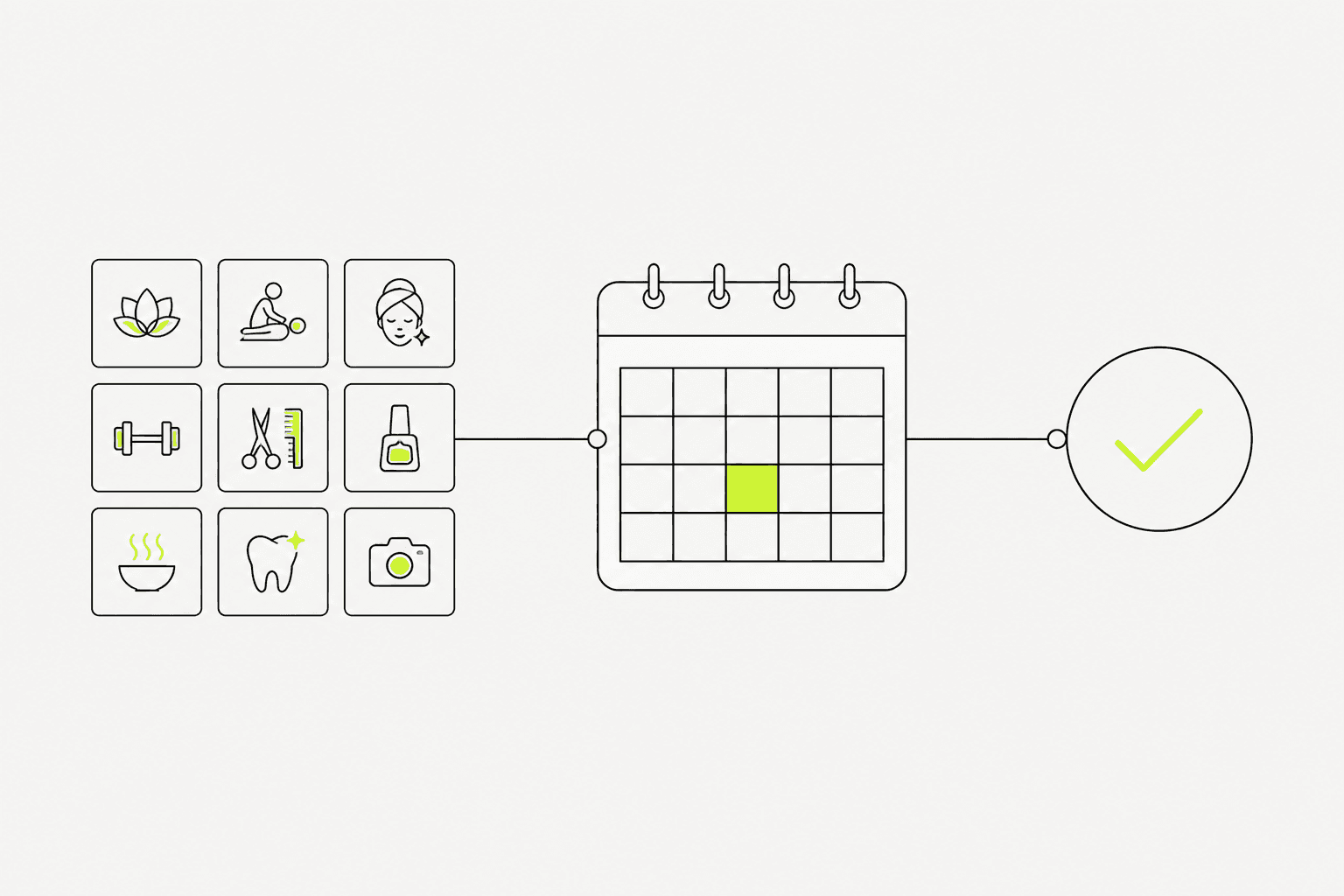
Booking and membership your customers can use themselves
Lock slot rules and membership rights first, then build a system where customers book themselves, staff see one calendar, and confirmation chats drop.
Category / Web DevelopmentEstimated timeline / 6–12 weeksBudget / Quoted after we review booking rules
Scroll to continueEN / 2026
Service businesses often lose hours each day chasing bookings in chat, double-booking, or missing reminders. Case examples from restaurants and clinics show that web-based booking visibly cuts admin work when time rules and membership rights are designed from the start.
A strong fit when
This service fits when
Clinics, spas, or service shops with frequent appointments
Businesses with membership packages or usage rights
Teams that want less manual confirmation and rescheduling
Expected outcomes
What the work should make clearer
More appointments booked via web—fewer calls and repeated chat questions
Staff see calendar and booking status in one place, no window switching
Members check their own rights and history without asking every time
Quick summary
What you get when you hire this service
05
01A booking flow that prevents slot conflicts under your time and resource rules
02Customer-facing booking and member pages that work on mobile
03A staff dashboard for viewing and editing slots
04Basic notifications tested before go-live
05Slot-rule documentation and a short guide for ongoing maintenance
From clients
What people who worked with us notice
“Appointments used to live in chat all day. After web booking, patients pick slots themselves—and the team handles real cases instead of scheduling.”
“We used to miss evening table bookings. Consolidated web booking means staff no longer confirm every request by hand.”
Related work
Example work clients can review
Swipe through cases close to your brief. Each one focuses on a measurable outcome—not looks alone.
Booking pays off when time rules matter, resources are limited, or members have different rights. Chat-only booking breaks down when volume rises.
If bookings are rare and highly flexible, a simple form or calendar may be enough before a full system.
Fictional clinic scenario: an admin spends too much time answering appointment chats. The demo direction lets patients choose a service, available time, and doctor while passing useful context to the team.
Fictional restaurant scenario: peak reservations arrive through several channels and get missed. The demo direction consolidates date, time, party size, and confirmation in one booking path.
Before: admins chase bookings in chat, slow replies at peak, some slots missed
After: customers book available times themselves, staff see the calendar in one place
Lesson: slot rules and membership rights must be clear before launch—otherwise the system is messier than chat
02
Rules and pages to clear before build
Before UI, lock opening hours, bookable services, cancel/reschedule rules, and membership rights.
Changing queue rules after notifications are wired usually forces multi-point fixes.
01
Definitions you usually need first
These keep scope from ballooning.
Services or rooms/people being booked
Opening hours and slot length
Cancel, reschedule, and anti-overlap rules
Memberships, packages, or special rights (if any)
Deposit or full payment (if any)
Locking queue rules and rights before design reduces rework near launch.
03
What we actually deliver
A booking system is worth it when customers can book and staff can run the calendar—not when the site only displays dates.
We build the booking flow to your rules, scoped membership views, staff tools, basic alerts, and conflict tests before go-live.
Booking under your time and resource rules
Customer/member portal as scoped
Staff dashboard for managing slots
Reminder and double-booking tests before go-live
Customer and staff views should show the same booking status after confirmation.04
Work order—and what breaks at launch
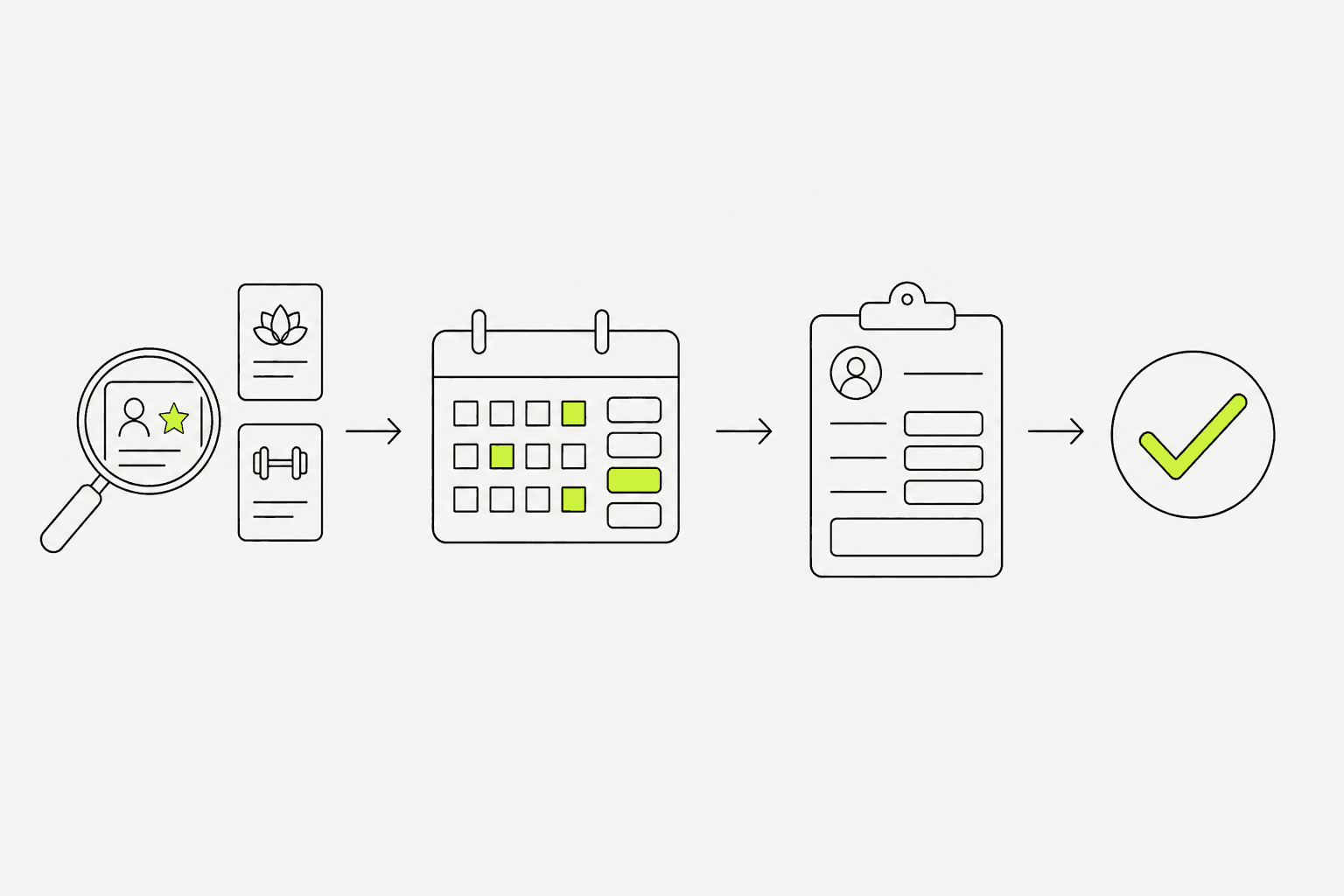
A budget-safe order is rules and services → booking flow → design → build → real-case tests → launch.
At launch, common failures are overlaps, missing alerts, timezone mistakes, and staff still confirming in chat so data drifts.
01
How we work
Rule checkpoints happen before screens are locked.
Clear services, hours, and cancel rules
Design customer flow and staff tools
Build and test overlap/cancel cases
Train the team and launch with a watch window
02
Checks before live booking
This short list reduces day-one broken slots.
Test bookings respect anti-overlap rules
Cancel/reschedule behaves as configured
Alerts reach customers and staff
Staff can fix slots from the dashboard without chat