Start with the buying flow and back office, then design the storefront—so shoppers can check out and your team can run orders after launch.
Category / Web DevelopmentEstimated timeline / 6–12 weeksBudget / Quoted after we review catalog and features
Scroll to continueEN / 2026
Many shops already have a storefront, but carts are abandoned mid-way, orders get lost in chat, or checkout breaks during a campaign. The usual gap is not “not enough banners”—it is a long buying path and a back office that cannot absorb real orders.
A strong fit when
This service fits when
Businesses ready to sell online and control their own storefront
Shops with inventory that need orderly order handling
Brands that want ads to land on pages that can actually sell
Expected outcomes
What the work should make clearer
Shoppers find products, cart, and pay on mobile—without messaging for the price first
Your team sees orders, stock, and fulfilment status without chasing chat all day
Campaigns land on sellable product pages, with conversion measurable from day one
Quick summary
What you get when you hire this service
05
01A storefront and checkout flow tested on real mobile devices
02Product, stock, and order tools your team can keep using
03Payment gateway connected and tested before go-live
04Order notifications that reach both the team and the customer
05Basic measurement on key product pages and the thank-you page
From clients
What people who worked with us notice
“Customers used to ask for prices on LINE all day. After the storefront launched, orders came through the site—and the team packed instead of retyping orders.”
“On the first campaign day, mobile checkout worked and the thank-you page fired conversion—so we knew which ad landing products actually sold.”
Related work
Example work clients can review
Swipe through cases close to your brief. Each one focuses on a measurable outcome—not looks alone.
Ask these before picking a theme: can shoppers finish a purchase on mobile, does the team know order status without chasing chat, and do campaigns land on product pages that are actually ready to sell?
Ask these before picking a theme: can shoppers finish a purchase on mobile, does the team know order status without chasing chat, and do campaigns land on product pages that are actually ready to sell?
If SKU count, payment methods, and who packs orders are still unclear, work drifts into theme shopping while the flow that causes abandoned carts stays untouched.
Fictional online-store scenario: most orders arrive through chat, stock is messy, customers ask prices repeatedly, and product pages are not findable on Google.
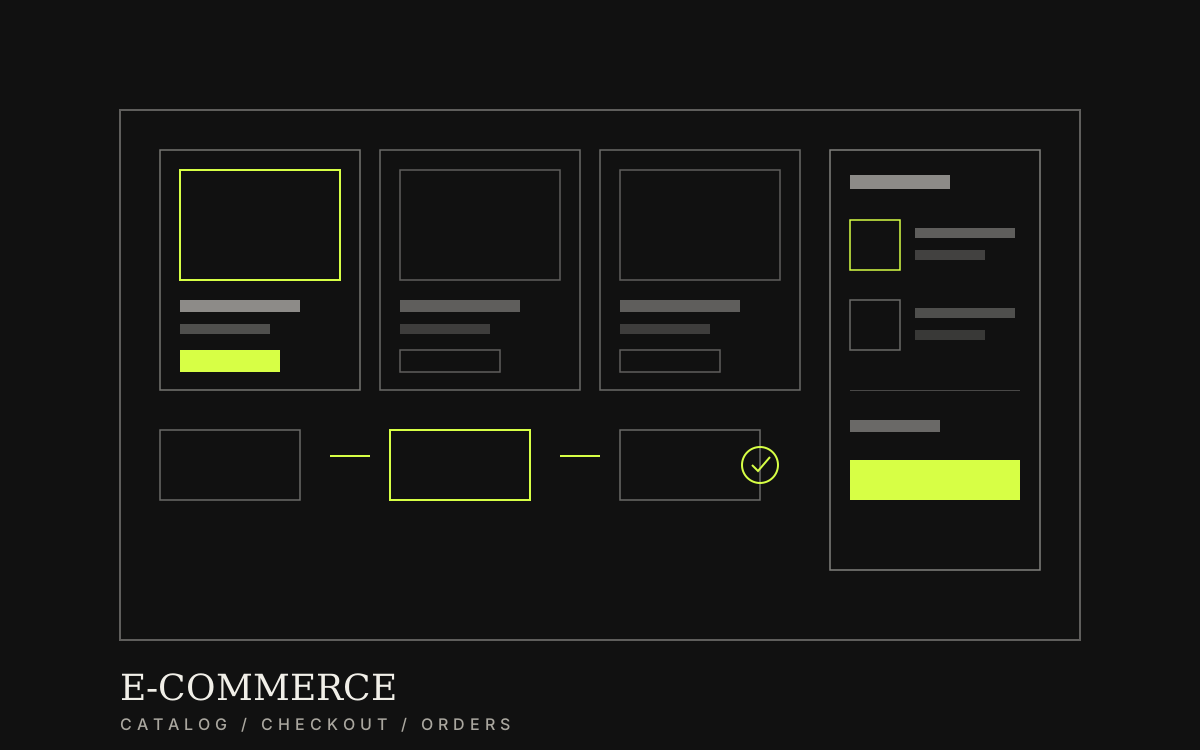
The storefront demo should show categories, cart, checkout, and order status, with conversions and repeated questions defined as baselines to collect after a real launch.
Before: LINE-heavy orders, messy stock, campaigns hard to measure
After: shoppers buy on the site; the team tracks status in the back office
Lesson: judge success by completed orders and operable ops—not a pretty catalog alone
02
Page structure to clear before storefront design
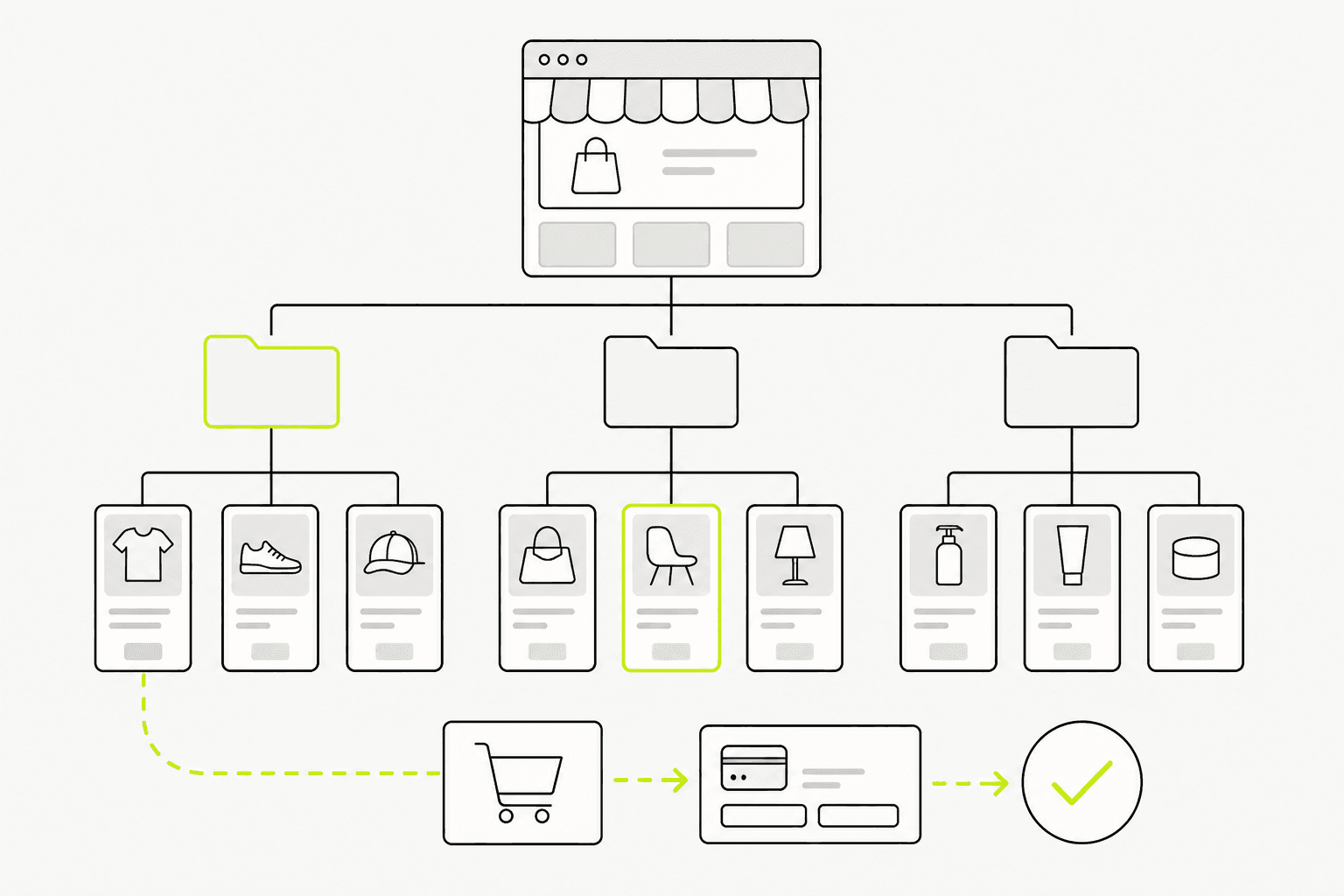
Before colours and banners, list the pages and what each one must do—categories, product detail, account, cart, checkout, and the post-purchase thank-you page.
If shipping, returns, or payment rules are still shifting, design gets reworked every time copy changes—more expensive than clearing it on paper first.
01
Pages an ecommerce site usually needs
You do not need every feature on day one, but the pages you cannot skip should make buying and order care real.
Home and categories: route people to sellable products
Product detail: price, options, stock, and a clear buy action
Cart and checkout: short steps that work on mobile
Account or order tracking: status for customers and the team
Policy pages: shipping, returns, and payment
Clear structure before design keeps the buying flow and system scope from being rewritten late.
03
What we actually deliver
What you should keep after handover is practical: a storefront that completes purchases, order tools the team can run daily, and checkout tested before a campaign goes live.
Typical scope covers the storefront, product and order tools, payment connection, a real purchase test, and basic measurement before launch.
Design and build the storefront around real categories and products
Product, stock, and order management
Payment gateway connection and checkout testing
Back-office walkthrough and measurement checks before go-live
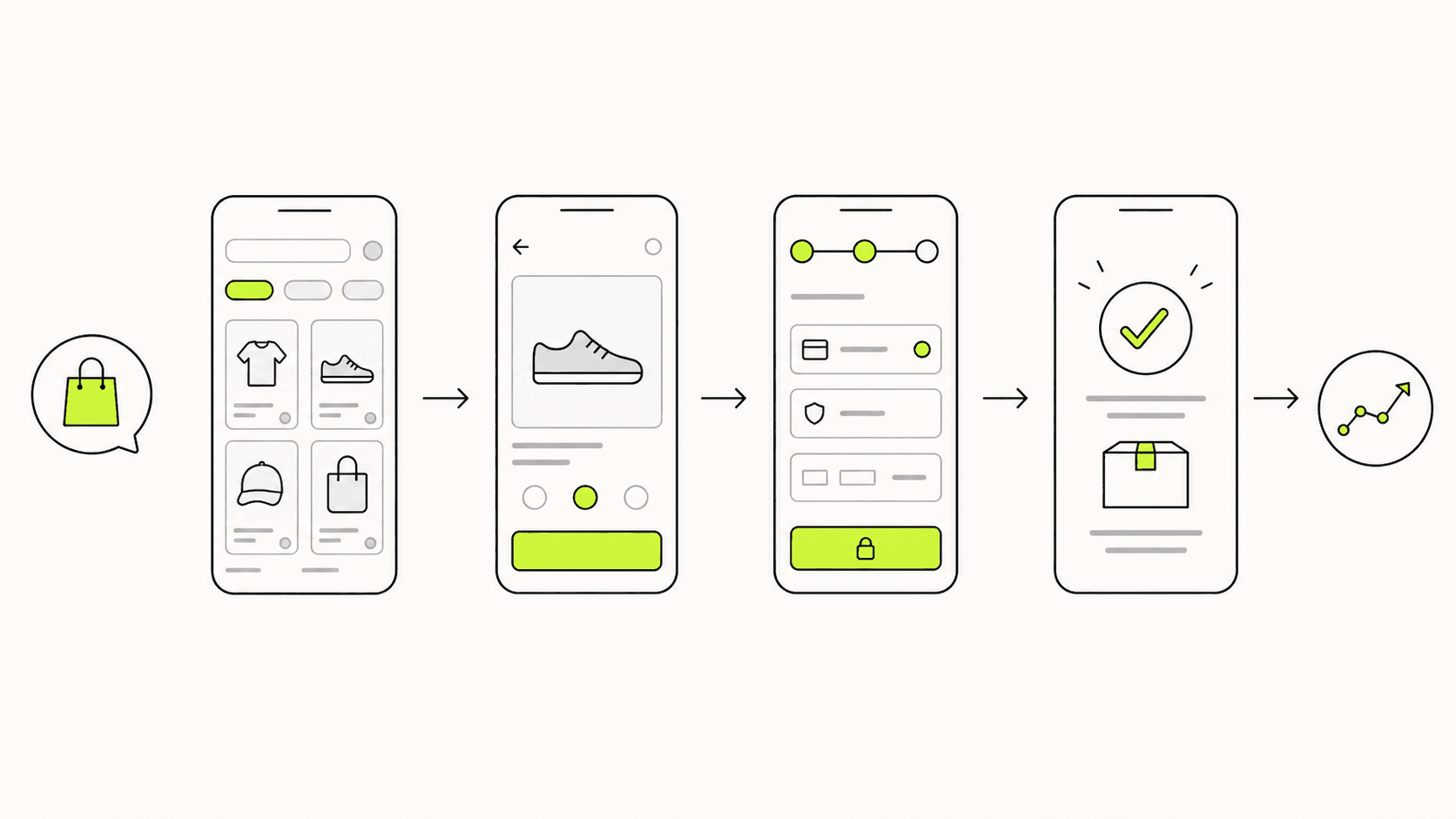
The buying path should stay short, clear, and mobile-tested before a campaign launches.04
Work order—and what breaks at launch
A budget-safe order is brief and buying flow → page structure → design → build → real purchase tests → launch. Adding major features after payments are wired often delays go-live.
At launch, failures rarely sit in the banner. They sit in mobile checkout errors, missing order emails, stock that does not update, and thank-you pages that never fire conversion—so ads cannot be measured.
01
How we work
Each stage has a check-in with the shop so big changes do not pile up at the end.
Clarify products, shipping, payment methods, and who owns orders
Lock page structure and buying flow before visual design
Build, connect payments, and test real orders
Train the back office, check alerts, and launch
02
Pre-launch checks
This short list reduces problems that show up on campaign day.
Test checkout with a real or gateway sandbox payment
Confirm order alerts reach the team and the customer
Confirm stock and order status in the back office
Confirm conversion and thank-you behaviour on mobile
Preparation
Information to prepare before you start
05
01Core products, categories, and fields that must appear on product pages
02Shipping methods, fees, and return rules you can honour
03Payment methods you want and accounts ready to connect
04Who will handle orders, stock, and customer replies after launch
05The first campaign goal and the product pages ads should open