Structure your projects, case pages, and contact path—so visitors find relevant cases quickly, understand your role, and can hire you without getting lost.
Category / Web DevelopmentEstimated timeline / 2–4 weeksBudget / Quoted after we review cases and pages
Scroll to continueEN / 2026
Many portfolios look polished but bury relevant cases—or cannot be updated without a developer. Strong portfolio work starts with how projects are grouped and how contact works, not a giant image gallery with no context.
A strong fit when
This service fits when
Creatives, designers, and photographers who need clients to see the work
Freelancers who want hiring conversations to start from the site
Small studios that need case pages—not a full corporate system
Expected outcomes
What the work should make clearer
Key work is findable with enough context to understand it
New projects can be added without waiting on a developer every time
Contact points work on mobile—forms and links included
Quick summary
What you get when you hire this service
05
01Clear structure and project groupings people can browse
02Case or detail pages with short context
03A real way to update projects after launch
04About and contact pages that work on mobile
05Images sized so the site stays fast enough to showcase work
From clients
What people who worked with us notice
“Grouping work by type with short context helped clients understand our role faster—and web inquiries rose.”
“A mobile contact path that actually works matters more than a pretty gallery you cannot reach.”
Related work
Example work clients can review
Swipe through cases close to your brief. Each one focuses on a measurable outcome—not looks alone.
Build a portfolio to help people hire you—not only to store images
Success means visitors find relevant cases, understand your role, and know how to contact you.
If projects are not grouped yet, design drifts into a pretty gallery while each page’s job stays unclear.
Sample case: a small interior-design studio (name withheld under NDA) had a portfolio of large images with no project context or clear contact path—visitors liked the photos but rarely inquired.
After regrouping work by type, adding short case context, and a mobile-ready contact path, inquiries rose about 2× in the first quarter without increasing ad spend.
Key work is not buried in one endless scrolling page
Each piece has short context: what you did and for whom
Contact channels work on real mobile devices
02
Page structure to clear before visual design
Before choosing a visual style, list pages and how projects are grouped—by discipline, industry, or year.
Without a shortlist of projects to feature first, design gets reworked every time the set changes.
01
Pages you usually need
You do not need many blocks—but the ones you keep should move people from work to contact.
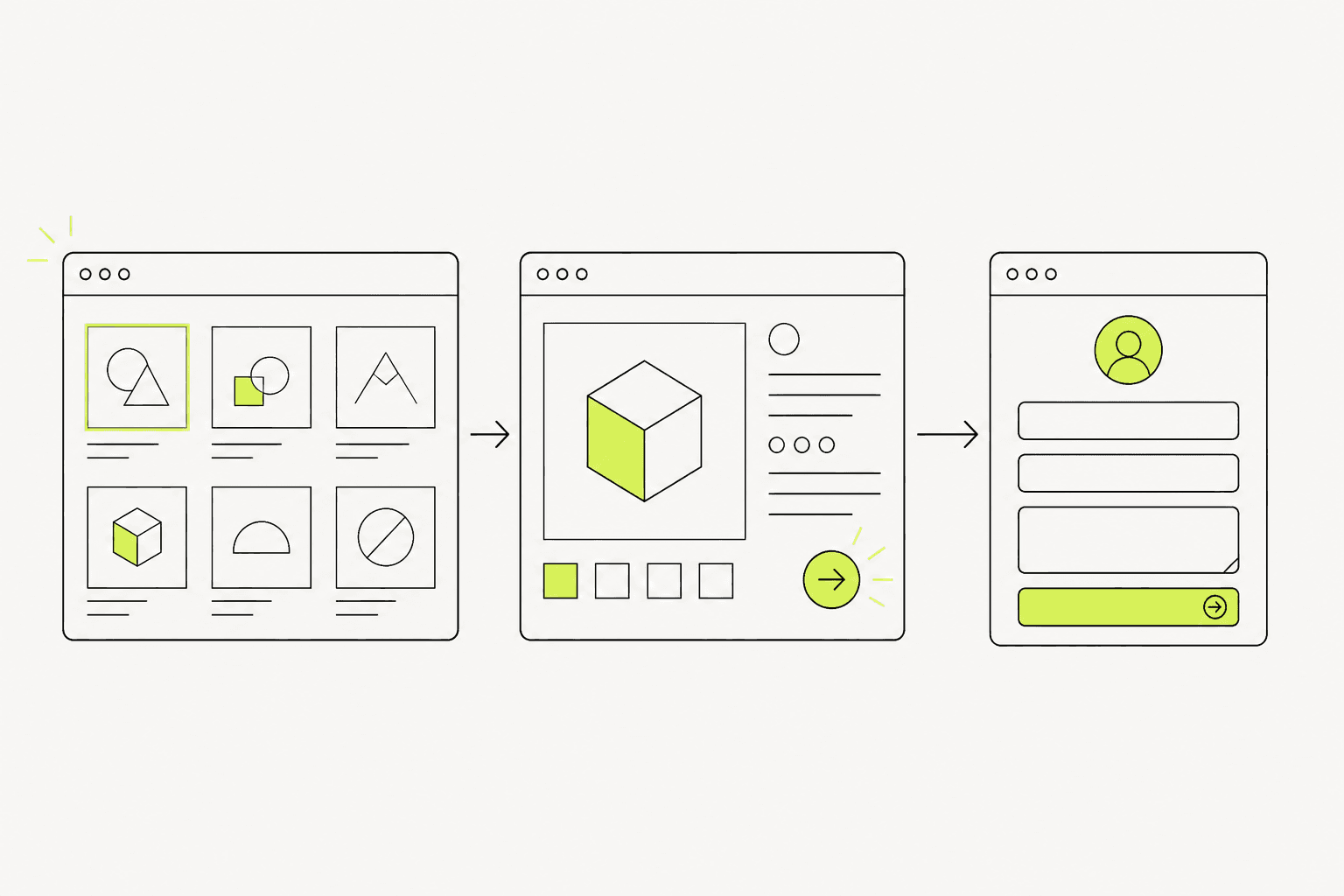
Home: what you do and paths to work/contact
Project index: browsable groups
Case detail: short context and key images
About: experience and how you work
Contact: form, Line, email, or booking link
Clear structure before design keeps project grouping and contact from being rewritten late.
03
What we actually deliver
A worthwhile portfolio stays updatable and readable—not only a beautiful launch-day home page.
Delivery includes structure, design, project presentation, update tooling, and tested contact points.
Structure and groupings for the work you choose to show
Responsive design and build for key pages
A practical way to add or edit projects
Mobile checks for images and contact before handover
The path should move from relevant work to contact without getting lost in the menu.04
Work order—and what breaks at launch
A budget-safe order is select projects and structure → design → build → load projects → mobile test → launch.
At launch, common failures are huge slow images, forms that never arrive, and no way to add new work.
01
How we work
Checkpoints keep the project set from changing after design is locked.
Shortlist and group projects before design
Lock page structure and contact points
Build and load the first project set
Train updates and check mobile before launch
02
Pre-launch checks
This short list reduces launch-day problems.
Key projects open fully on mobile
Images do not freeze the page
Contact form or links work
At least one test project can be added
Preparation
Information to prepare before you start
05
01Primary projects to feature first (not every piece you have ever made)
02A grouping visitors will understand
03Short copy about your role and how you work
04Contact channels you actually answer
05Project image files ready to use (resolution and usage rights)